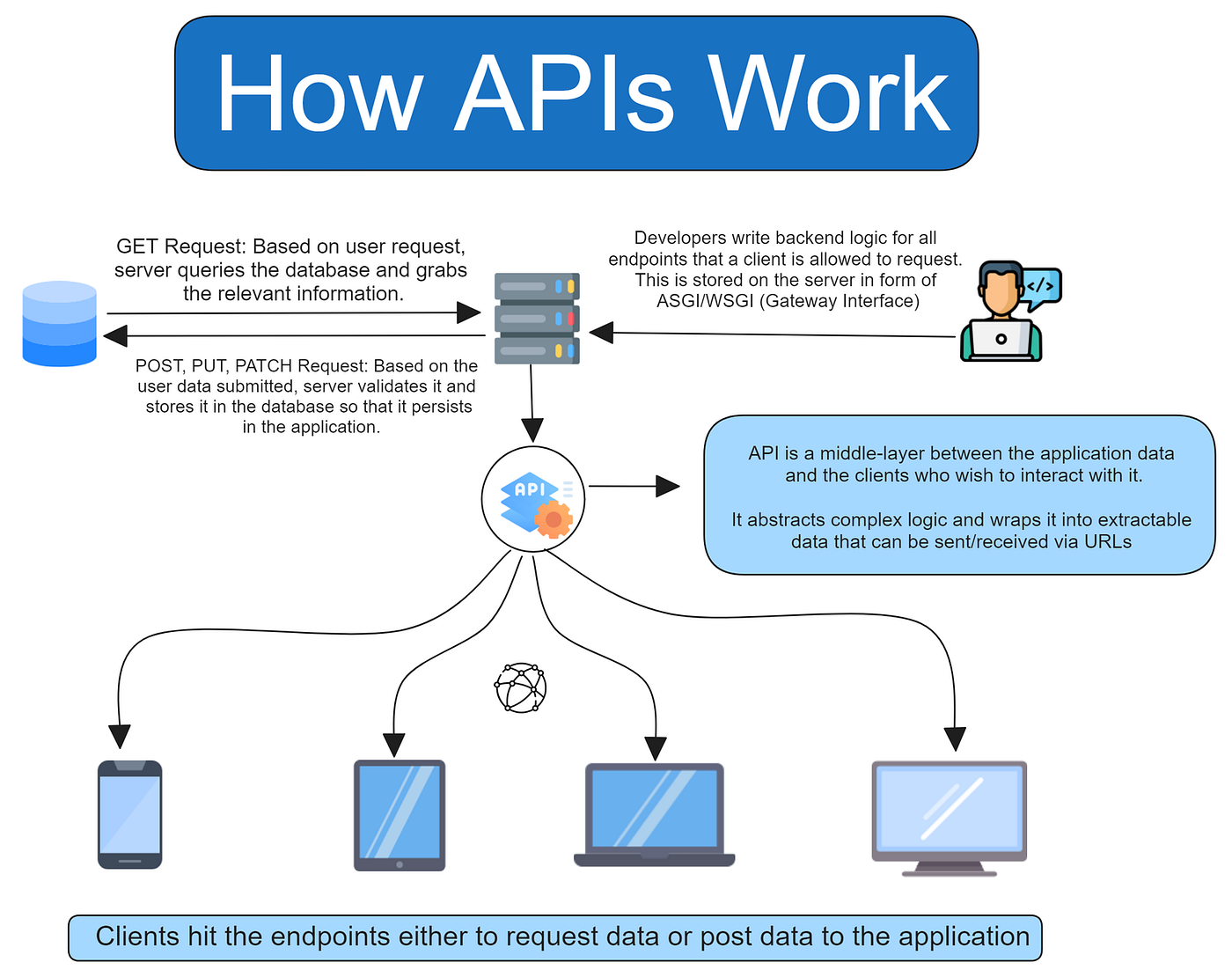
API Integration in Odoo
Flow:
Odoo → API Request → Third-party Service → Response → Odoo stores result🧩 1. Common Use Cases
- 💳 Payment gateway (Stripe, SSLCommerz)
- 📦 Shipping API (FedEx, DHL)
- 📩 SMS/Email API
- 🌐 External SaaS (CRM, Analytics)
⚙️ 2. Basic Setup
Install Python library:
pip install requests🧠 3. Model Example (API Integration)
Let’s build a Weather Fetch Module (simple real-world pattern)
import requestsfrom odoo import models, fieldsfrom odoo.exceptions import ValidationError
class Weather(models.Model): _name = 'weather.info' _description = 'Weather Info'
city = fields.Char(required=True) temperature = fields.Float() description = fields.Char()
def action_get_weather(self): for rec in self: url = f"https://api.openweathermap.org/data/2.5/weather?q={rec.city}&appid=YOUR_API_KEY&units=metric" response = requests.get(url)
if response.status_code != 200: raise ValidationError("API Error!")
data = response.json()
rec.temperature = data['main']['temp'] rec.description = data['weather'][0]['description']
🎨 4. Button in View (Trigger API)
<button name="action_get_weather" type="object" string="Fetch Weather" class="btn-primary"/>👉 User clicks → API runs → Data updates
🔐 5. Best Practice (Production Level)
✅ Use config parameters (DON’T hardcode API keys)
api_key = self.env['ir.config_parameter'].sudo().get_param('weather.api_key')✅ Add error handling
try: response = requests.get(url, timeout=10) response.raise_for_status()except Exception as e: raise ValidationError(f"API failed: {str(e)}")✅ Logging (important)
import logging_logger = logging.getLogger(__name__)
_logger.info("Calling Weather API...")
🔁 6. Automated API Calls (CRON JOB)
<record id="cron_weather" model="ir.cron"> <field name="name">Fetch Weather</field> <field name="model_id" ref="model_weather_info"/> <field name="state">code</field> <field name="code">model.action_get_weather()</field> <field name="interval_number">1</field> <field name="interval_type">hours</field></record>👉 Runs automatically every hour
🔄 7. Real Production Flow
User clicks button / Cron runs↓Odoo sends request (requests.get)↓API returns JSON↓Parse data↓Save into Odoo model↓Display in UI🔥 8. Real Lessons from Production
✅ DO:
- Use timeout (avoid hanging server)
- Store API keys securely
- Validate responses
- Log everything
❌ DON’T:
- Call API inside loops without control
- Block UI with slow APIs
- Hardcode credentials
🚀 9. Advanced Integrations
- OAuth authentication (Google API)
- Webhooks (real-time updates)
- REST API (POST, PUT, DELETE)
- Queue jobs (for heavy APIs)
🧠 Final Mental Model
Button / Cron → Python Method → requests → API → JSON → Odoo Model